Managing IPTV becomes increasingly complicated as the number of channels, movies, series and sources grows. A simple playlist player may work for basic streaming, but users with larger libraries often need better organization, program information, favorites, viewing history, recording capabilities and separate profiles.
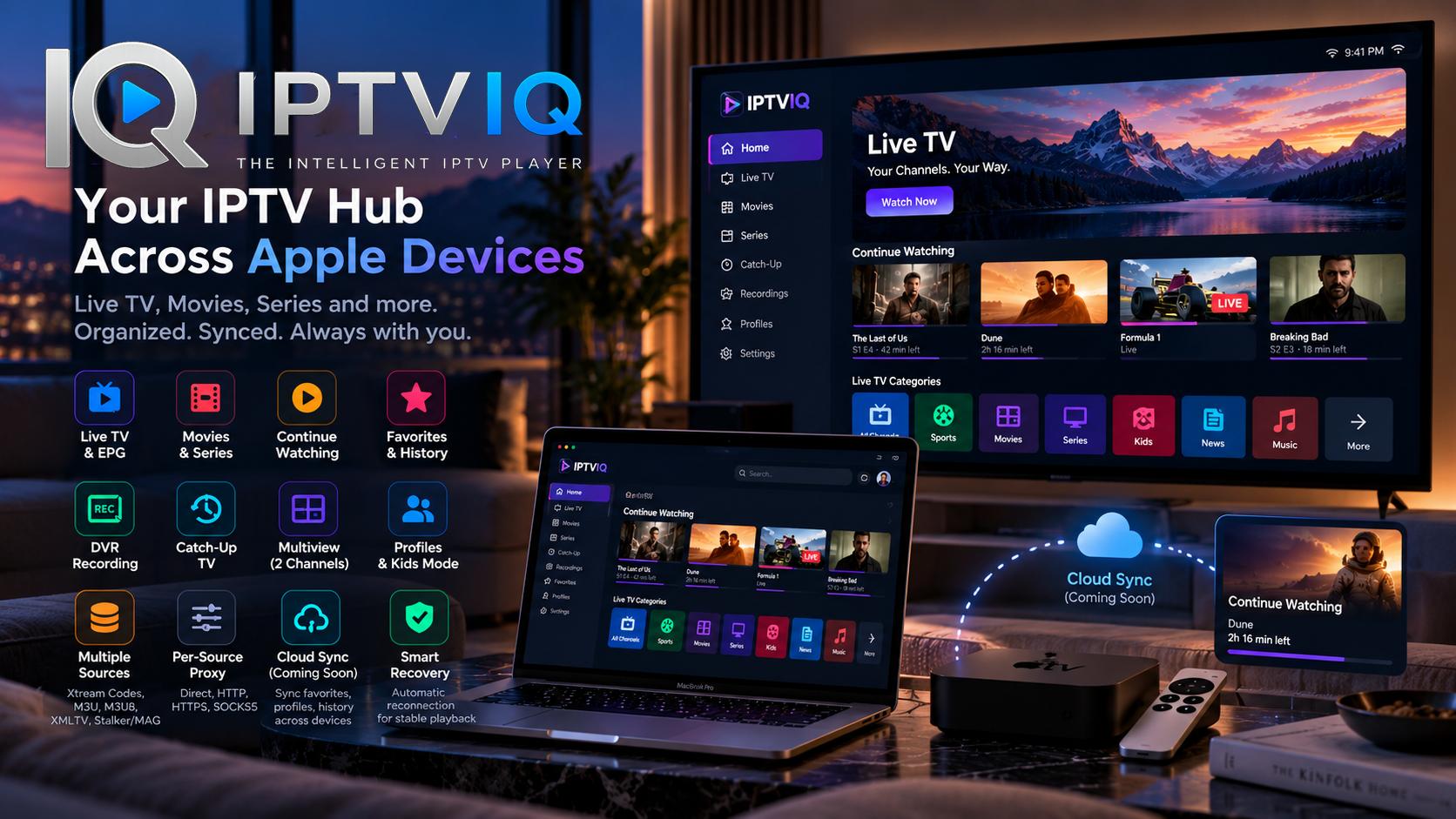
IPTVIQ is designed to bring these features together in a modern IPTV environment for macOS.
The application allows users to connect their own compatible IPTV sources and access Live TV, movies, series and other supported content through a unified interface.

IPTVIQ itself is not an IPTV provider. It does not supply television channels, subscriptions or media libraries. Instead, it provides the software layer used to organize and play IPTV sources that users already have access to.
One App for Multiple IPTV Sources
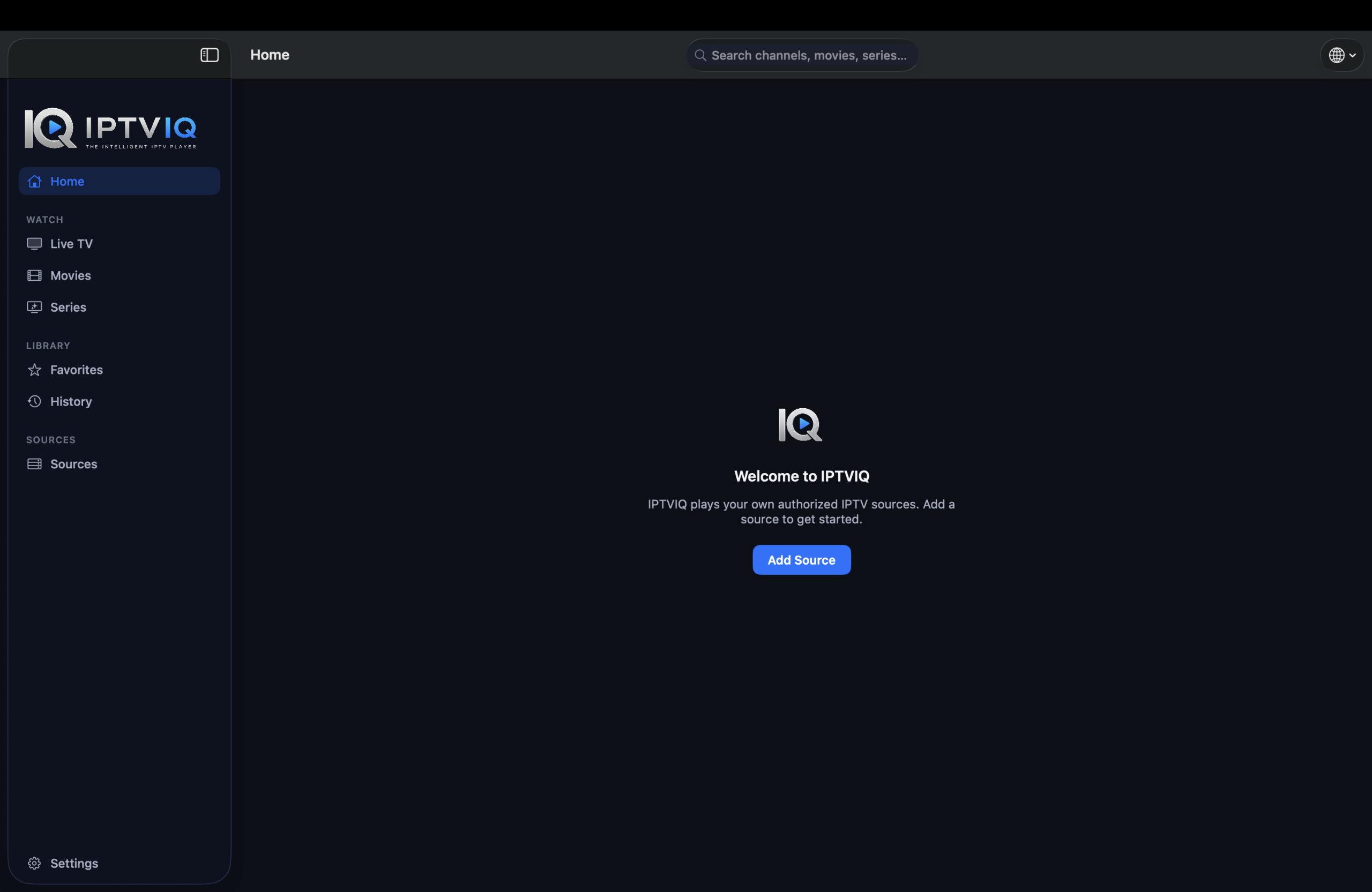
Not every IPTV service uses the same connection method.
Some rely on traditional M3U playlists, while others use API-based systems or portal technologies. IPTVIQ addresses this by supporting multiple source formats.
Supported technologies include:
- Xtream Codes
- M3U and M3U8
- XMLTV
- Stalker
- MAG
- Ministra
Users can configure multiple sources within the application instead of being limited to a single playlist or provider.
For anyone managing several compatible IPTV sources, this can significantly simplify the overall setup.
Live TV with an Integrated EPG
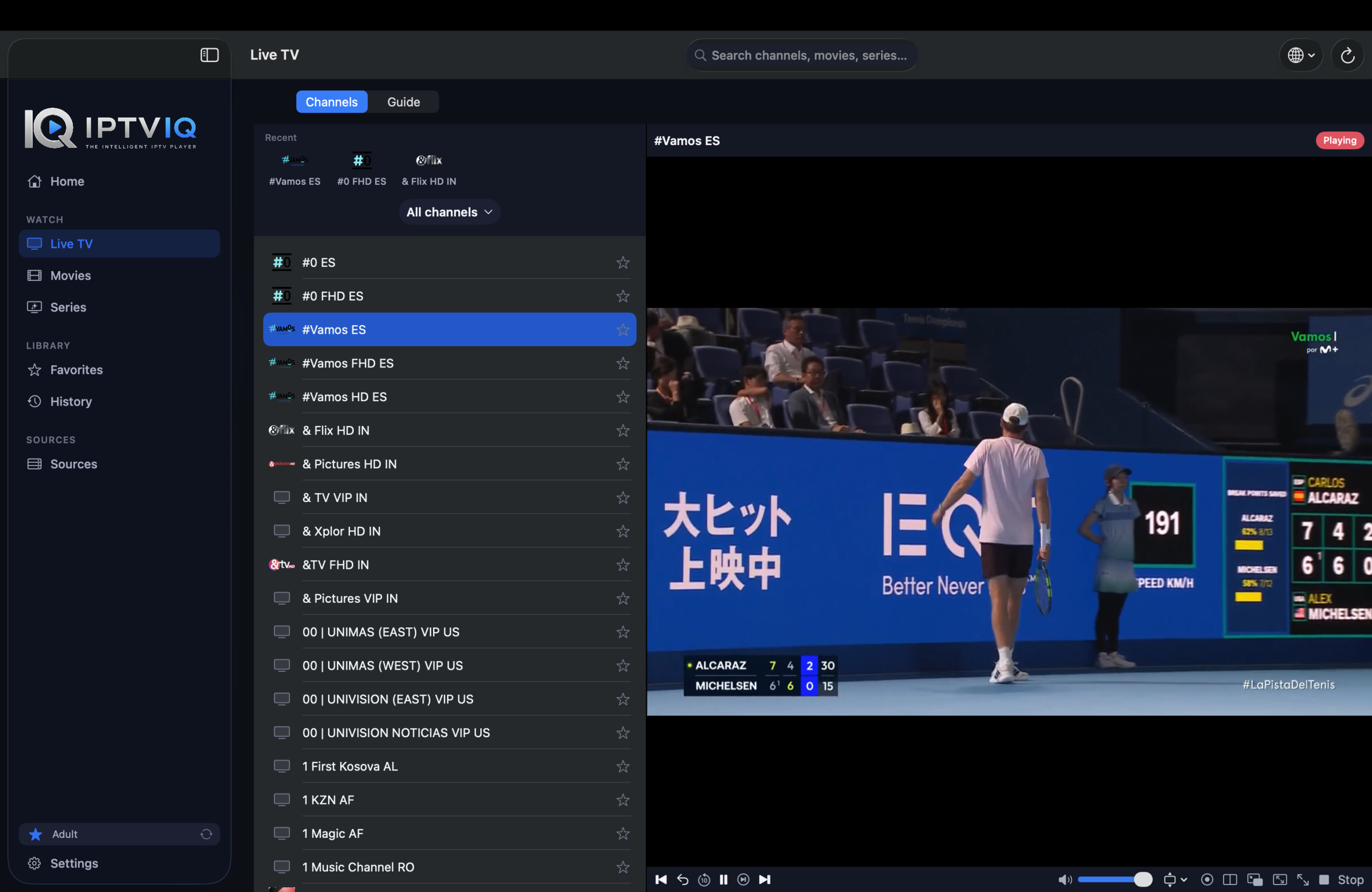
A large channel list becomes much more useful when viewers can see what is actually playing.
IPTVIQ combines Live TV browsing with Electronic Program Guide functionality when compatible EPG information is supplied by the user’s source.
Rather than opening channels individually to discover what is currently airing, viewers can use program information to navigate available broadcasts.
Mini-EPG functionality can also provide quick access to relevant programming information without unnecessarily interrupting the viewing experience.
Together with channel categories and channel-number navigation, this creates an experience closer to a dedicated television platform.
Movies and Series
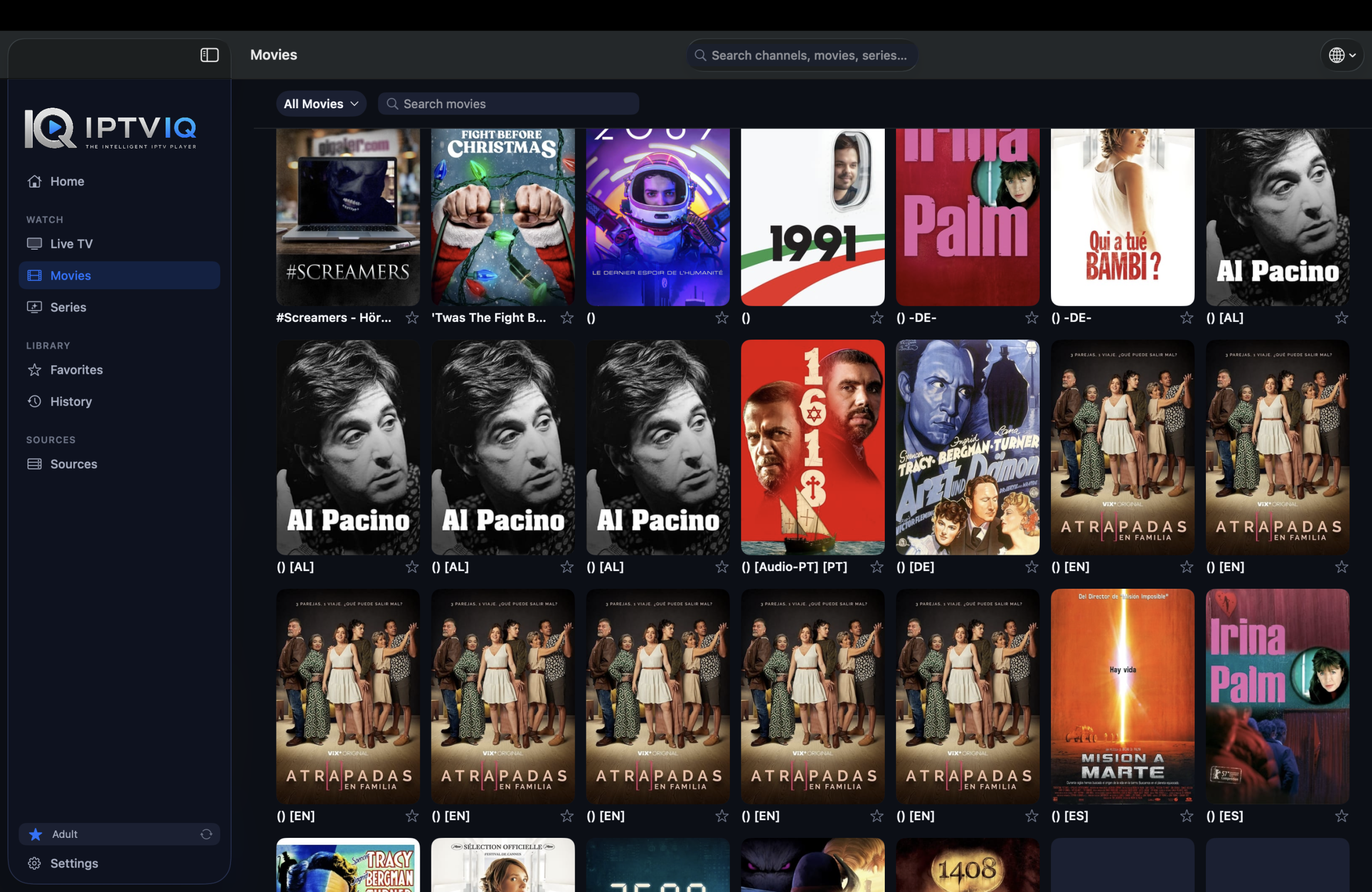
Modern IPTV sources frequently include on-demand libraries alongside traditional live channels.
IPTVIQ can organize supported movies and television series into dedicated sections, making large libraries easier to explore.
This is an important usability improvement.
Live channels and on-demand entertainment serve different purposes and should not necessarily be presented through the same navigation structure.
By separating them, IPTVIQ creates a cleaner media environment where users can move between television, movies and episodic content more naturally.
Continue Watching
Starting a movie is easy. Remembering exactly where you stopped several days later is less convenient.
IPTVIQ can maintain playback progress for supported content and provide a Continue Watching experience.
For example, imagine watching a movie and stopping at minute 42.
Instead of manually searching through the timeline when returning later, the stored resume position allows playback to continue from approximately the same point.
This functionality becomes even more valuable for users who regularly move between multiple movies and television series.
Favorites and Viewing History
Large IPTV libraries can contain an overwhelming number of channels.
Favorites provide a way to create a personalized collection of the channels and content a viewer actually uses.
Viewing history serves a different purpose by helping users return to recently watched content.
Together with Continue Watching, these features transform the application from a generic content browser into a more personalized IPTV environment.
Profiles for a Shared Entertainment Experience
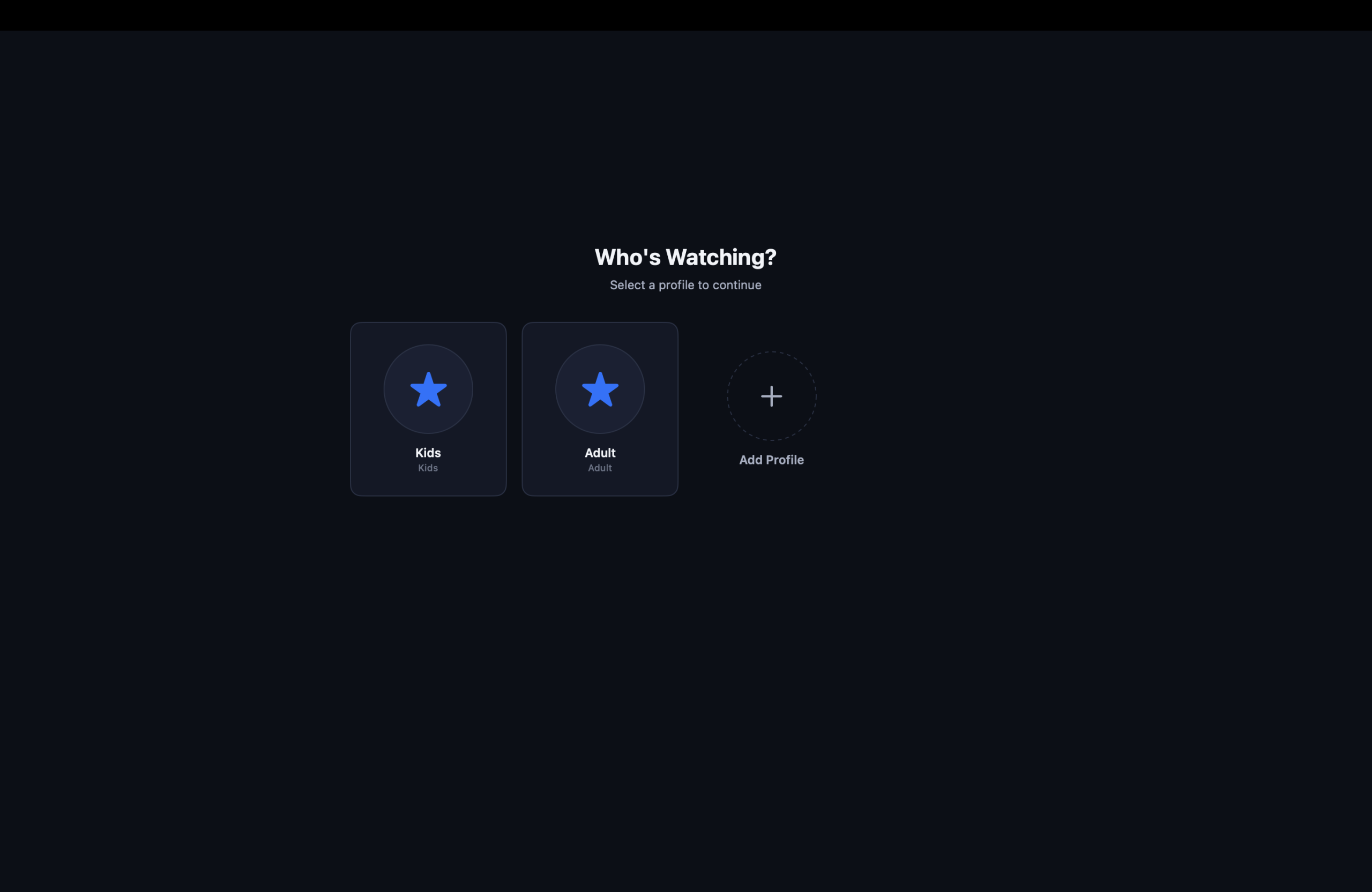
IPTV is often used by more than one person in a household.
IPTVIQ supports profiles so that the viewing environment does not necessarily need to be identical for everyone.
Profiles provide a foundation for separating preferences and viewing information between different users.
For families, a dedicated Kids Profile adds another important layer.
Selected content can be approved or blocked for children, creating a more controlled environment than simply giving a child unrestricted access to the complete IPTV library.
Record Live Television with DVR
Not every live program can be watched when it airs.
IPTVIQ includes DVR recording functionality for supported live streams, allowing users to save broadcasts for later playback.
An important aspect of this approach is that recordings can remain local.
Video files can become very large, so there is a significant difference between synchronizing small pieces of application information and uploading entire DVR recordings to the cloud.
Keeping recordings local provides a practical foundation for managing storage while maintaining advanced television functionality.
Catch-Up TV
Recording is not the only way to watch something after it has aired.
Some IPTV providers offer Catch-Up TV, where selected previously broadcast programs remain available for a certain period.
When the connected source supports this capability, IPTVIQ can provide access to Catch-Up content.
Availability ultimately depends on the IPTV provider.
IPTVIQ does not independently create an archive of television programming that was never made available by the connected source.
Multiview for Simultaneous Live Streams
Watching two live broadcasts at once can be extremely useful.
IPTVIQ includes Multiview functionality capable of displaying two supported streams simultaneously.
One obvious use case is sports.
A viewer following two matches taking place at the same time can keep both streams visible rather than repeatedly changing channels.
The same concept can apply to news, market coverage or other simultaneous live events.
Smart Recovery for Interrupted Streams
Internet-based television introduces a challenge traditional local media does not have: the stream can temporarily disappear.
The user’s internet connection may fluctuate, or the IPTV source itself may briefly stop responding.
IPTVIQ’s Smart Recovery functionality is designed to help playback recover from temporary interruptions.
Instead of requiring the viewer to immediately restart the channel manually, the application can attempt to restore the stream when appropriate.
It cannot solve every provider or network problem, but automatic recovery can make normal IPTV viewing noticeably smoother.
Per-Source Proxy Settings
Users with more advanced networking requirements can configure connections on a per-source basis.
Available connection options include:
- Direct
- HTTP
- HTTPS
- SOCKS5
Per-source configuration is particularly useful when multiple IPTV services are connected.
One source can use a proxy while another maintains a direct connection, rather than forcing the entire application to use a single global configuration.
A Local-First Approach to IPTV
Privacy and control are important considerations when designing an IPTV player.
IPTVIQ follows a local-first philosophy for important application information.
Source configuration, playlists, profiles and viewing-related data can remain associated with the user’s device, while sensitive credentials can take advantage of secure operating-system technologies such as macOS Keychain.
This architecture also creates an interesting opportunity for future multi-device synchronization.
Cloud Sync: Taking Your IPTV Setup Between Devices
Cloud synchronization can make a major difference once an application expands beyond a single device.
Imagine configuring IPTVIQ on a Mac.
You add several sources, organize your Favorites, create a Kids Profile, establish content restrictions and begin watching a movie.
You stop that movie at minute 42.
Later, you open IPTVIQ on another supported device.
Without synchronization, that second installation may have no knowledge of the environment already created on the Mac.
With Cloud Sync, appropriate application data could follow the user between devices.
For example:
Mac
Movie X → Watched until 00:42:00
Sync
Apple TV
Continue Watching → Resume around 00:42:00
The same idea applies to Favorites.
If ESPN is marked as a Favorite on the Mac, that preference could appear automatically on the user’s other synchronized device.
What Information Makes Sense to Sync?
Not every piece of IPTV data needs to be stored in the cloud.
Suitable synchronization data could include Favorites, watch history, resume positions, profiles, selected settings, Kids Profile approvals and blocklists, and certain EPG mappings.
This information is relatively small but can dramatically improve continuity between devices.
DVR recordings are different.
A television recording may consume gigabytes of storage, making it much more practical to keep DVR files local rather than automatically uploading and synchronizing them.
The distinction creates a hybrid model:
Preferences and metadata → synchronized
Large DVR recordings → local
Cloud Sync Is Not Cloud Streaming
Cloud Sync should not be confused with routing IPTV video through an IPTVIQ server.
They solve completely different problems.
In a direct-streaming architecture, video continues to travel from the IPTV provider to the user’s device:
IPTV Provider → Mac / Apple TV
A synchronization service would handle separate application metadata:
Mac ↔ Sync Service ↔ Apple TV
This means information such as a Favorite or playback position can move between devices without requiring the actual television stream to pass through the synchronization infrastructure.
In other words:
Cloud Sync ≠ Cloud Streaming
and
Cloud Sync ≠ IPTV retransmission
This distinction is particularly important when designing a privacy-conscious multi-device IPTV platform.
Why a Multi-Device Ecosystem Matters
The television is not the only screen people use anymore.
A viewer might organize content on a Mac, watch Live TV on Apple TV and continue a movie from another device.
When each installation operates independently, every new device introduces additional setup.
A synchronized ecosystem can change that.
Sources, Favorites, profiles and playback progress can potentially become part of the user’s overall IPTVIQ environment rather than belonging exclusively to one device.
The goal is simple: configure less and continue watching more easily.
Who Is IPTVIQ Designed For?
IPTVIQ is intended for users who already have legitimate access to compatible IPTV sources and want a more complete viewing and management experience on macOS.
It may be particularly useful for users who:
- Manage multiple IPTV sources
- Regularly watch Live TV
- Need EPG information
- Watch movies and series
- Want Favorites and viewing history
- Need separate household profiles
- Want parental controls
- Record supported live streams
- Use Catch-Up services
- Want simultaneous channel viewing
- Require advanced proxy configuration
The application improves how compatible sources are managed and consumed, but it does not determine the underlying quality of those sources.
Stream availability, content libraries, Catch-Up support and EPG accuracy ultimately depend on the connected IPTV provider.
Is IPTVIQ an IPTV Provider?
No.
This is an important distinction for anyone discovering the application for the first time.
IPTVIQ is an IPTV player.
It does not sell IPTV subscriptions or independently provide television channels, movies or series.
Users connect their own compatible IPTV sources and are responsible for ensuring they have the necessary rights and authorization to access the content.
IPTVIQ provides the interface, organization and playback functionality around those sources.
Final Verdict
IPTVIQ approaches IPTV as a complete media experience rather than simply a mechanism for opening playlists.
Support for multiple IPTV source technologies provides flexibility, while EPG, Movies & Series, Continue Watching, Favorites and profiles improve everyday navigation.
Features including DVR, Catch-Up TV, Multiview and Smart Recovery extend the experience further for Live TV users, while per-source proxy settings provide additional control for advanced configurations.
The next major opportunity is the transition from a standalone IPTV application into a connected multi-device environment.
A carefully designed Cloud Sync system could allow Favorites, viewing progress, profiles and other lightweight information to follow users between devices while keeping IPTV video streams direct and large DVR recordings local.
That combination—direct streaming, local control and selective synchronization—provides a strong foundation for the future of IPTVIQ.